

Download Actu Geek – tech news, latest tech updates, technology trends, mobile news app, tech updates, daily tech news, Android news app, tech podcast, YouTube tech, latest gadgets, tech media
Overview
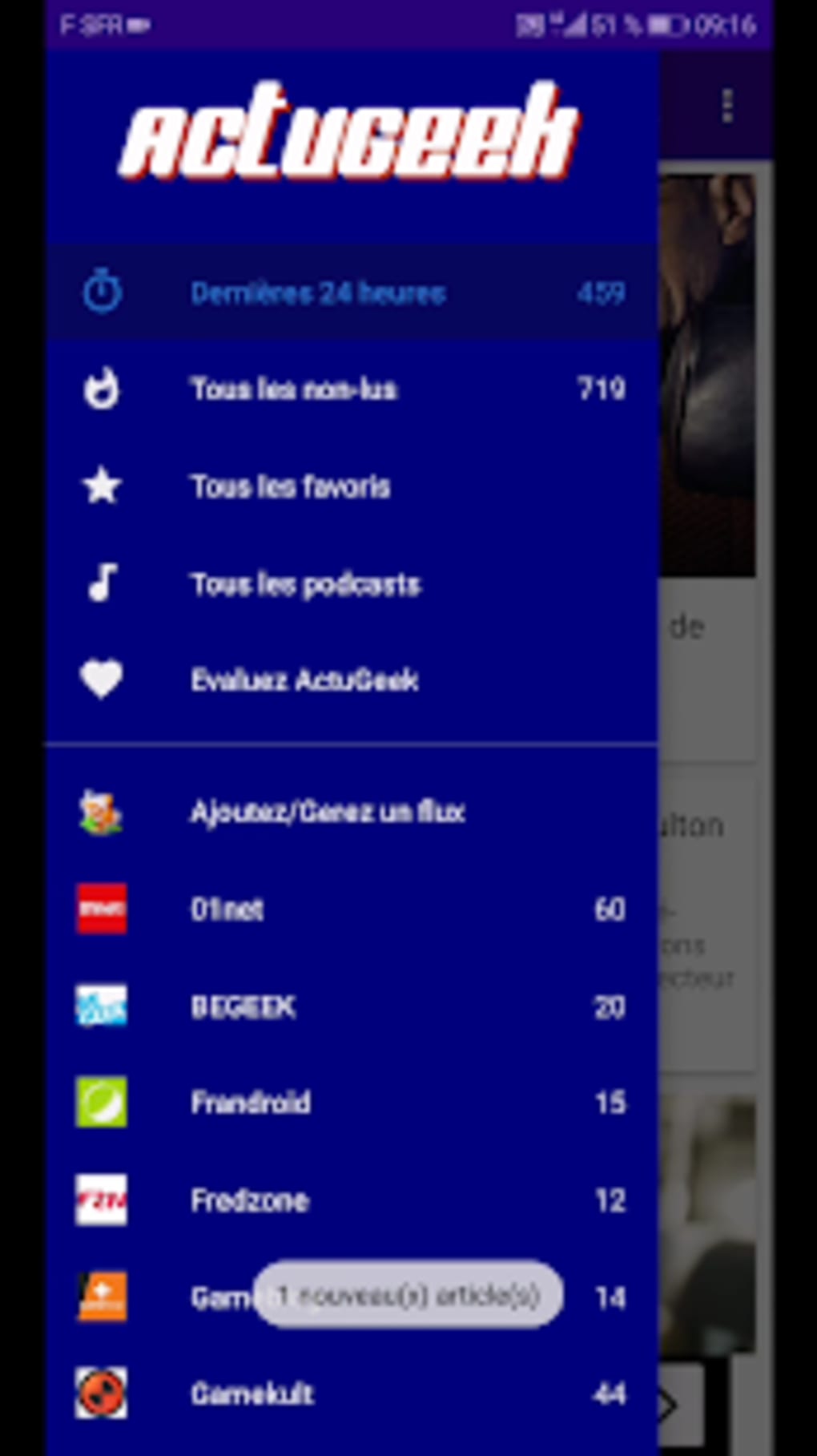
Actu Geek is a mobile news application designed to keep users informed about the latest developments in the technology sector. The app serves as a centralized hub for tech enthusiasts, professionals, and casual readers who want to stay current with emerging trends, product launches, and industry insights. By aggregating content from a wide range of sources—including major tech websites, popular podcasts, and influential YouTubers—Actu Geek delivers a personalized news experience tailored to individual interests. Users can quickly add their preferred content providers with minimal effort, streamlining the process of building a customized feed.
The app is built for individuals who rely on timely, accurate, and diverse tech coverage. Whether tracking the release of a new smartphone, following a major software update, or exploring the latest AI breakthroughs, Actu Geek provides real-time access to relevant information. Its design supports both passive consumption and active engagement, allowing users to dive deep into articles, manage their favorite sources, and receive timely updates. The developer, AppyVid, has focused on usability and flexibility, offering multiple display modes and synchronization options to suit different preferences.
While the app does not host videos directly due to licensing restrictions, it enables users to access and share links to external content seamlessly. A stable internet connection is required for full functionality, as all content is fetched dynamically. The app’s free pricing model makes it accessible to a broad audience, though it may include in-app advertisements or optional premium features not detailed in the provided information.
Key Features & Capabilities
- Multi-source news aggregation: Pulls content from leading tech websites, podcasts, and YouTube channels, enabling users to follow multiple sources in one place.
- Customizable feed management: Allows users to add, remove, or deactivate public feeds based on personal interest, offering full control over content exposure.
- Flexible synchronization: Supports both manual and automatic sync, with options to restrict updates to Wi-Fi or cellular data (3G/4G), helping users manage data usage.
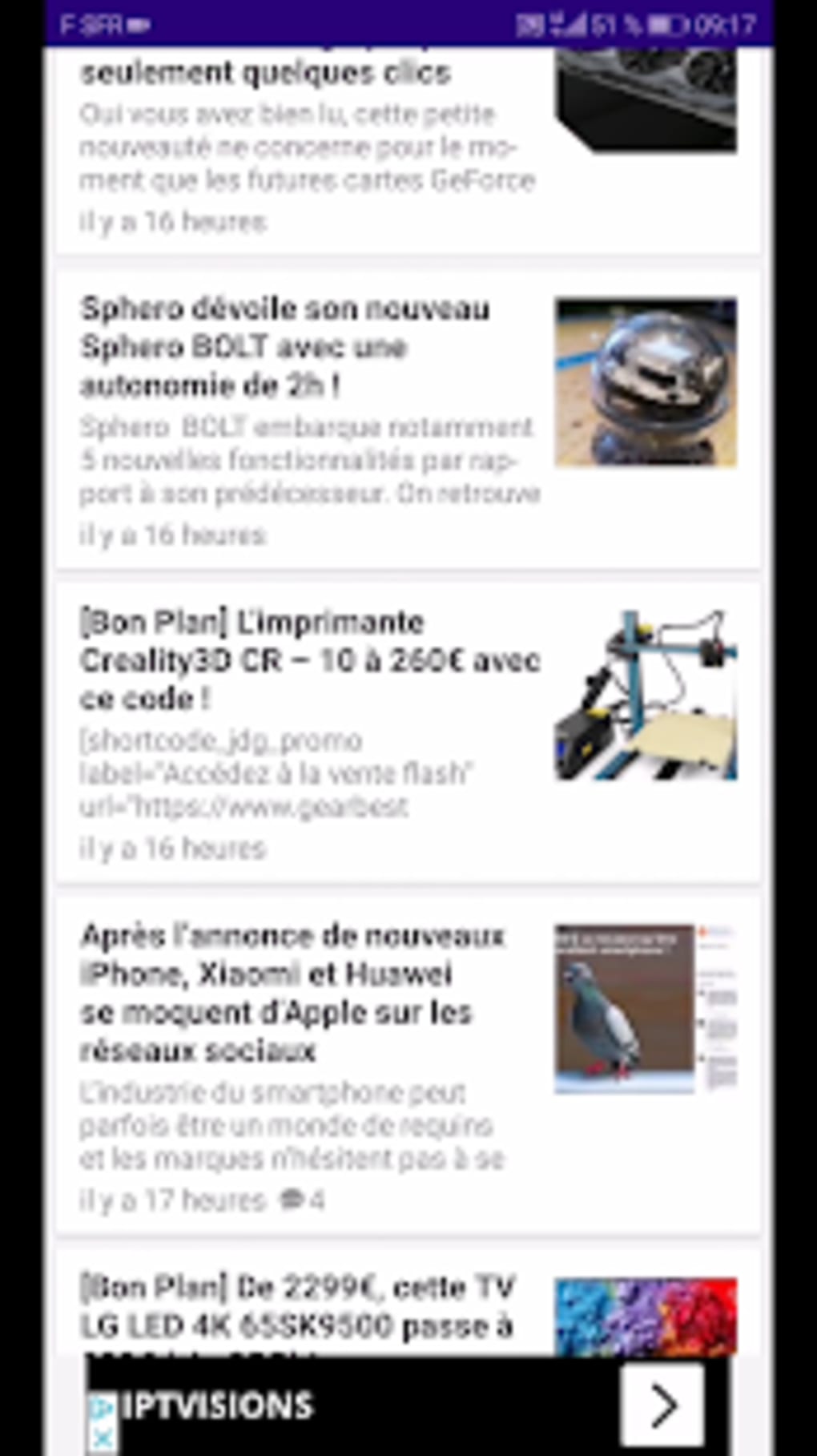
- Multiple display modes: Offers grid, list, tile, magazine list, and magazine thumbnail views, catering to different reading preferences and screen sizes.
- Advanced content tools: Includes a search function, article cleaning to remove ads and clutter, favorites management, and search history tracking for efficient navigation.
- Notification customization: Users can enable notifications and adjust settings for vibration, LED flash, and alert timing to suit their environment.
- Shareable content: Supports sharing news articles, videos, and podcasts directly to social media platforms, enhancing content discovery and engagement.
- Customizable widgets: Two interactive widgets provide quick access to headlines and updates directly from the home screen.
- Settings flexibility: Adjust themes, sync intervals, and notification preferences to personalize the experience without compromising performance.
These capabilities make Actu Geek particularly effective for users who consume tech content across multiple platforms. For example, a developer tracking SDK updates can use the search function and favorites to monitor specific topics, while a gadget reviewer might leverage the magazine-style layouts to preview upcoming product announcements. The integration of external media links ensures that users remain connected to the original sources, preserving context and credibility.
User Interface, Workflow & Performance
The user interface of Actu Geek is structured to prioritize readability and ease of navigation. The main dashboard presents news items in a clean, organized layout, with clear categorization and visual cues for new or trending content. Navigation is intuitive, allowing users to switch between feeds, categories, and settings with minimal taps. The app’s workflow supports a seamless experience from discovery to sharing, with minimal friction between steps.
Display modes are implemented to enhance user experience based on device type and personal preference. The magazine-style layouts, for instance, provide a visually rich experience ideal for larger screens, while the list and grid views offer faster access to headlines and metadata. The app’s responsiveness appears consistent with standard Android applications, though exact performance metrics were not specified. The developer did not provide detailed information on CPU or RAM usage, so general assumptions about efficiency are limited to typical mobile app behavior.
Stability and reliability are likely supported by the app’s reliance on external content sources and its lightweight design. The absence of video hosting reduces internal processing demands, potentially improving battery life and memory management. Automatic synchronization helps maintain up-to-date content without requiring constant manual refreshes. However, performance may vary depending on network speed and the number of active feeds, particularly when using cellular data.
Compatibility & System Requirements
Actu Geek is designed for Android devices and is compatible with the operating system as specified. The app has a file size of 12.4 MB, indicating a lightweight installation that should not significantly impact device storage. The provided version is 2.2, suggesting a mature release with established features and stability.
Exact system requirements were not listed, so users should refer to their device’s Android version and available storage to determine compatibility. The developer did not specify minimum CPU, RAM, or screen resolution requirements. It is recommended to ensure the device runs a current version of Android to support optimal performance and security updates.
Installation is straightforward, with no complex dependencies reported. The app requires an active internet connection to function, as all content is fetched in real time from external sources. Users should be aware that data usage may increase when automatic sync is enabled on cellular networks.
Pros and Cons
Pros
- Free to download and use with no upfront cost.
- Aggregates content from diverse tech sources including websites, podcasts, and YouTube.
- Supports multiple display layouts for personalized reading experiences.
- Offers customizable sync settings and data usage controls.
- Includes useful tools like search, favorites, and article cleaning.
- Provides shareable content and customizable home screen widgets.
- Lightweight installation at 12.4 MB.
- Notification customization enhances user control.
Cons
- Requires a stable internet connection for all functionality.
- Does not host videos; users must access external links.
- Exact system requirements were not specified.
- Performance under heavy usage or low connectivity is not documented.
- May display ads or in-app promotions despite being free.
FAQ Section
Is Actu Geek available for iOS devices?
Based on the provided information, Actu Geek is exclusively available for Android devices. No iOS version was mentioned.
Can I use Actu Geek offline?
While the app allows caching of previously viewed articles, full functionality requires an active internet connection to fetch and sync new content.
Is Actu Geek safe to download?
Actu Geek is developed by AppyVid and distributed through official Android channels. As with any app, users should ensure they download from trusted sources to maintain security.
How often does the app update its news feed?
The app supports automatic synchronization with customizable intervals. Users can set sync frequency based on their preferences and data usage.
Does Actu Geek require a subscription to access content?
No, the app is free to use. It does not host videos due to rights restrictions, but all content is accessible through external links without a subscription.
Final Thoughts + CTA
Actu Geek delivers a focused, efficient, and customizable experience for anyone seeking up-to-date technology news. Its ability to consolidate content from websites, podcasts, and YouTube channels into a single interface makes it a valuable tool for tech professionals, hobbyists, and media consumers. The app’s lightweight design, intuitive navigation, and flexible settings contribute to a smooth user journey, while its support for multiple display modes and widgets enhances usability across devices.
Although specific performance data and system requirements are not detailed, the app’s structure and features suggest a stable and well-optimized experience. Its free pricing model increases accessibility, though users should be mindful of data usage when syncing over cellular networks. The absence of video hosting ensures compliance with content rights, but it also means users must rely on external platforms for multimedia content.
For individuals who value timely, diverse, and well-organized tech updates, Actu Geek stands out as a reliable choice. Whether you're tracking the latest gadgets or staying ahead of industry trends, this app offers a streamlined way to stay informed.
Download Actu Geek now





.png)

